 Camipack
Guide · 1 step · 1 min
Privacy & iCloud
Camipack 1.142iPhoneUpdated 24 Oct 2026
No account and no analytics. Your trips sync through your own iCloud account and live on your devices. If you connect an AI assistant to a trip, only what you choose to share goes to Camipack's server. With iCloud off, everything still works on this device; you just lose sync between your devices and the ability to share. To turn it on: Settings → your name → iCloud, and enable iCloud for Camipack.
Open in Camipack › Download on the App Store
- 1
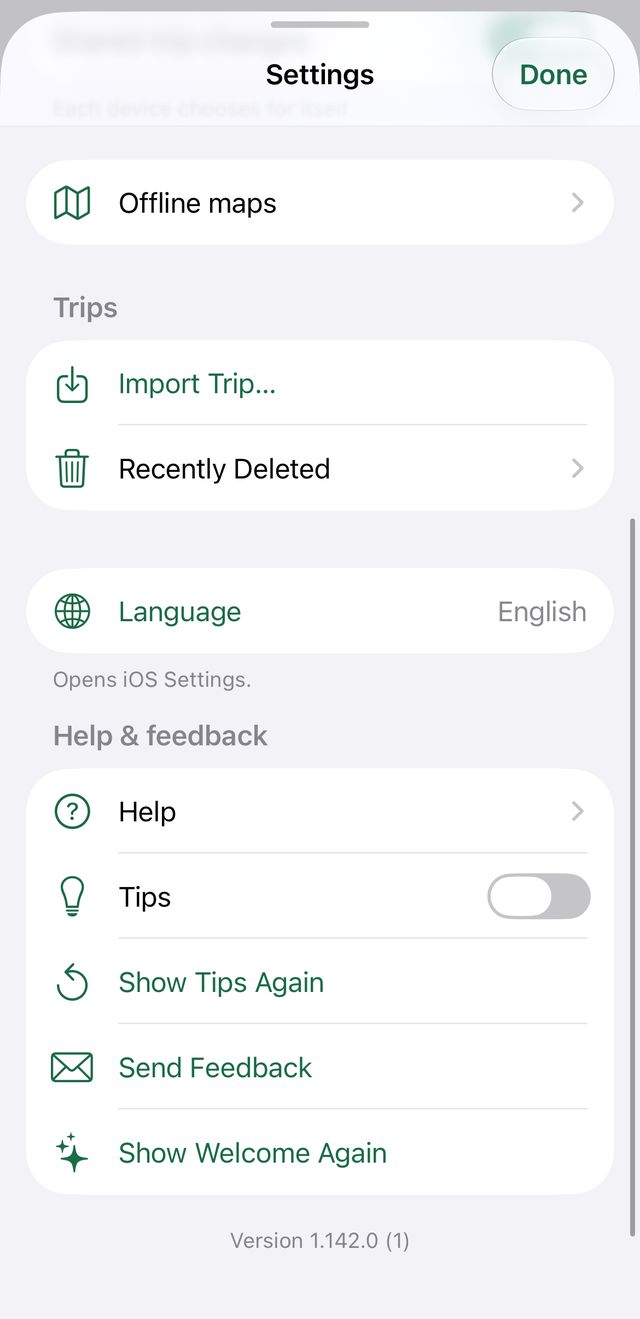
Found a bug or have an idea? Tap Settings on the home screen, then “Send Feedback” — it pre-fills an email with your version details.